
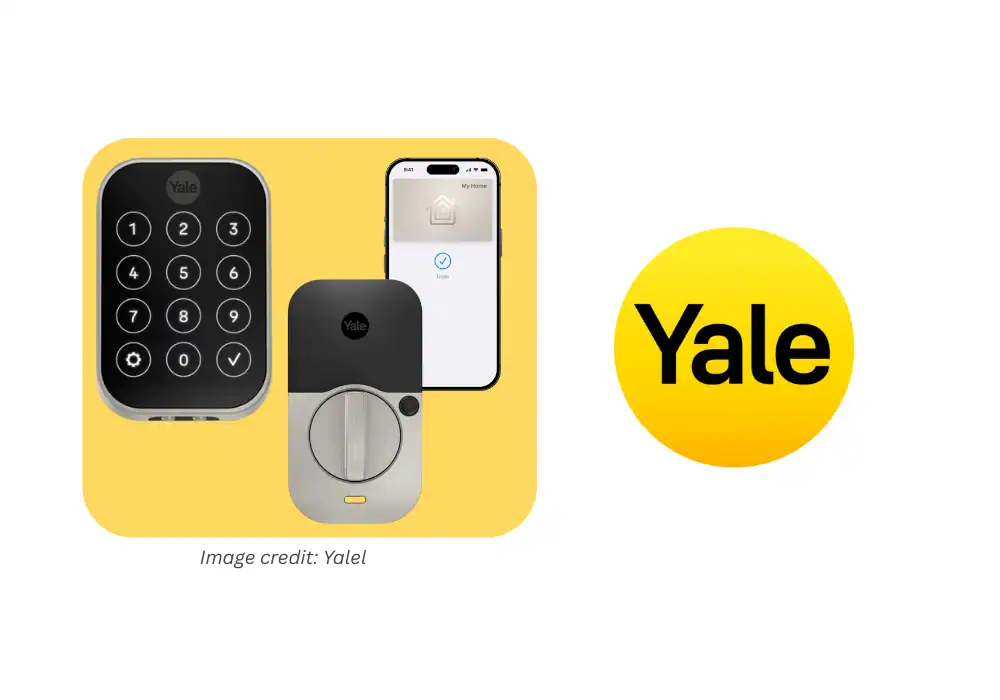

The Yale Assure Lock 2 Plus takes the trusted Yale name and adds Apple Home Key integration for the modern smart home.
Sleek, quiet, and reliable, it gives you multiple ways to unlock — via Apple Wallet, app, keypad, or backup key.
The updated design fits cleanly on any door, while its new Bluetooth and Wi-Fi modules make setup fast and stable.
Whether you’re upgrading from a traditional deadbolt or another smart lock, the Assure Lock 2 Plus combines Yale’s century-long reputation for durability with true Apple simplicity.
Compare it with others in my Best Smart Locks 2026 guide.
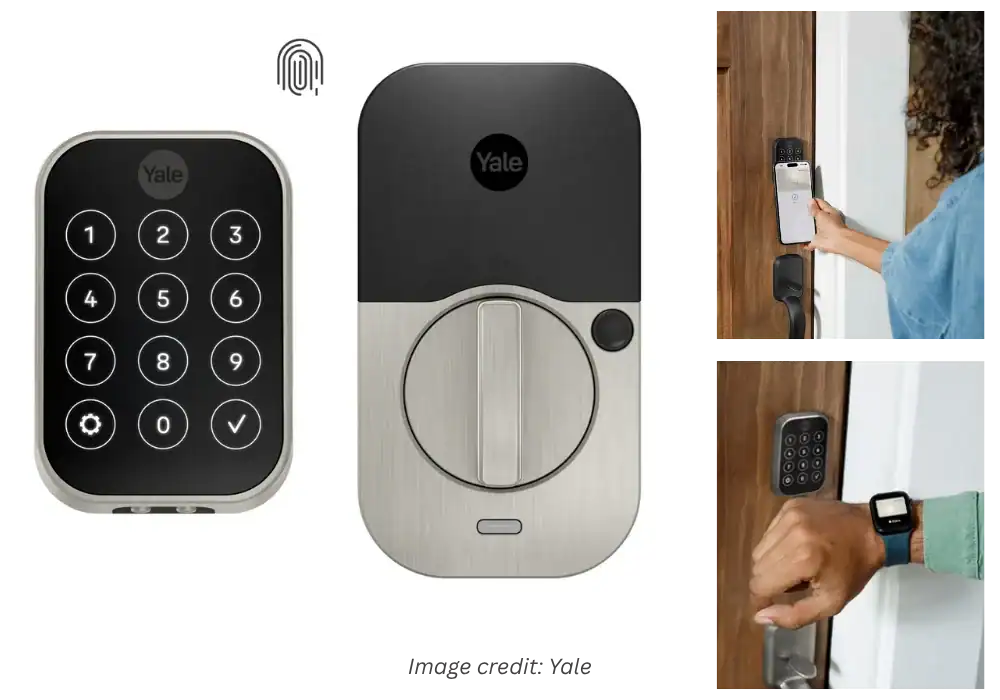
Yale Assure Lock 2 Plus
We chose the Yale Assure Lock 2 Plus because it combines Apple Home Key convenience, sleek design, and proven reliability from one of the most trusted lock brands. It installs easily, works seamlessly with iPhone and Apple Watch, and delivers smooth day-to-day performance for modern smart homes.
Pros:
- Seamless Apple Home Key
- Easy Installation
- Premium Build & Design
- Reliable HomeKit Integration
- Flexible Access Options
- Smart Notifications
Cons:
- Battery Drains Too Fast
- Auto-Lock Glitches
- Frustrating Support
As an Amazon Associate, I earn from qualifying purchases. When you buy through my links, I may earn a commission — at no extra cost to you.
Why We Picked It
We chose the Yale Assure Lock 2 Plus because it combines Apple Home Key convenience, sleek design, and proven reliability from one of the most trusted lock brands. It installs easily, works seamlessly with iPhone and Apple Watch, and delivers smooth day-to-day performance for modern smart homes.
Who It's For
Perfect for Apple users who value simplicity, security, and style. Whether you’re upgrading your condo, rental, or family home, this lock is ideal for anyone who wants quick, key-free access without sacrificing looks or peace of mind.
Specs & Configuration
Go with Apple Home Keys – Unlock instantly with iPhone or Apple Watch (via Apple Wallet &
Express Mode).;
Apple HomeKit Integration – Control with Siri voice commands, automations, and scenes through HomePod, HomePod mini, or Apple TV.;
Remote Access via Yale Access App – Lock/unlock from anywhere, share entry codes, and receive real-time notifications.;
Keyless Convenience – Create unique passcodes for family, guests, or services;
no more hidden keys.;
Power Reserve Mode – Use your iPhone Home Key for hours even after your phone battery dies.;
Emergency 9V Terminal – Temporarily power the lock if internal batteries are drained.;
Auto-Lock &
DoorSense® – Automatically locks and detects if your door is securely closed.;
Technical Specifications Lock Type: Electronic keypad deadbolt;
Control Methods: App, Touch, Voice;
Connectivity: Bluetooth + Wi-Fi (built-in, no external module required);
Compatible Voice Assistants: Apple Siri, Amazon Alexa, Google Assistant;
Controller Compatibility: iOS, Android, Apple HomeKit;
Power Source: 4× AA batteries (with Power Reserve + 9V emergency backup);
Finish Options: Satin Nickel, Black Suede, Oil-Rubbed Bronze;
Installation: Fits standard US doors, easy retrofit (no hardwiring needed);
System Requirements For Apple Home Keys: iPhone XS or later (iOS 15+), Apple Watch Series 4 or later (watchOS 8+);
For Multi-User Home Key Sharing: Requires Apple TV, HomePod, or HomePod mini as home hub.
Table Summary: Comparison of Yale Assure 2 Plus advantages and drawbacks — premium design and installation ease versus reliability complaints.
The Yale Assure Lock 2 Plus is an excellent upgrade for anyone deep in the Apple ecosystem.
It feels premium, installs easily, and works consistently with HomeKit and Matter.
While the price is slightly higher than rivals, it delivers confidence and polish few locks can match.
FAQ ABOUT YALE ASSURE LOCK 2 PLUS REVIEW
1️⃣ Does the Yale Assure Lock 2 Plus support Apple Home Key?
Yes. You can unlock your door using an iPhone or Apple Watch via Apple Wallet.
2️⃣ Is it compatible with Matter and other ecosystems?
Yes. The Plus model supports Matter, HomeKit, Alexa, and Google Home integrations.
3️⃣ Can it be installed without professional help?
Absolutely. It’s designed for easy DIY installation using just a screwdriver, and the app guides you step by step.